The quick answers to the questions we hear most — and a straight line to real support when you need it.
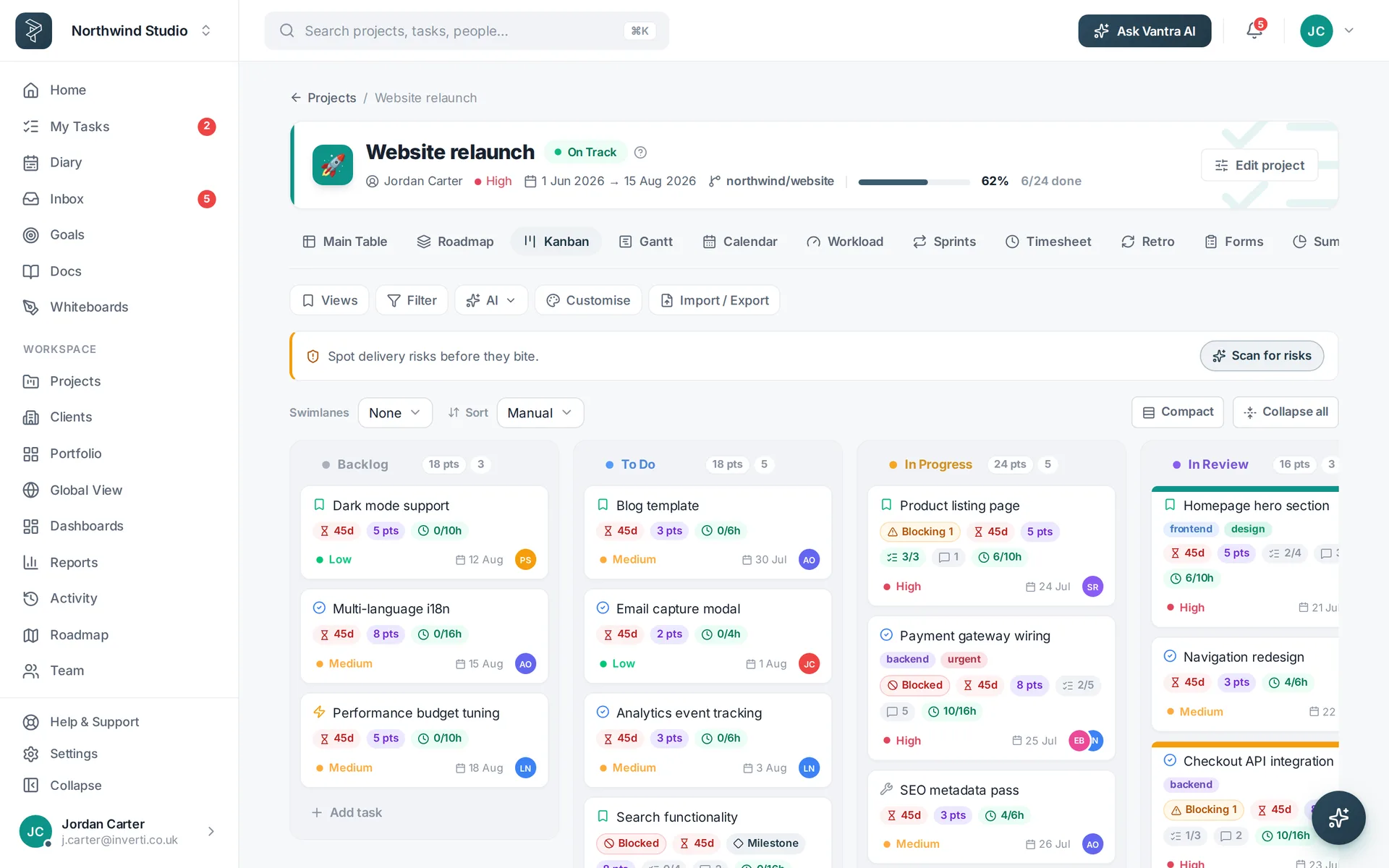
Boards, tables, the Gantt, sprints and more.
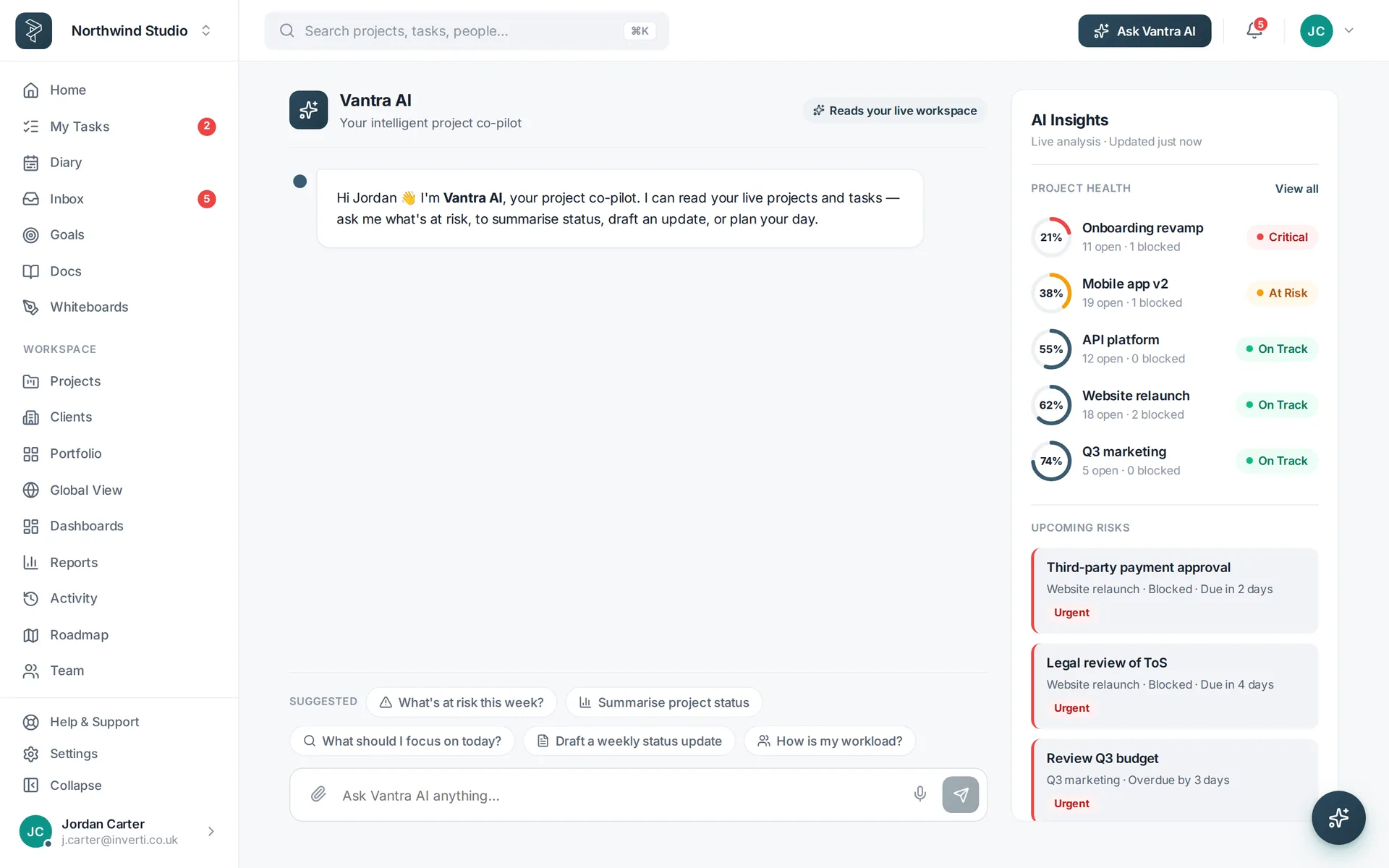
ExploreSet up the co-pilot and what it can do.
ExploreBuild dashboards and generate reports.
ExploreDocs, whiteboards, roadmaps and forms.
ExploreConnect GitHub, Google, Slack and the rest.
ExploreSSO, two-factor, data export and more.
ExploreOrganised by topic — and if the answer isn't here, support is one email away.
Click New Project and the template gallery opens first — fifteen ready-made templates with live previews. Pick one and its stages, starter tasks and columns are set up for you, or choose Blank to start clean.
Yes — the live demo runs the full app in your browser with a seeded project. No email, no signup, and it leaves nothing behind.
Import tasks from CSV into any project, and export any list or project back to CSV or PDF whenever you like.
Every new workspace starts with a 30-day free trial of Pro or Business — no credit card required. If you decide not to subscribe when it ends, your workspace moves to the limited Free tier (one member, two projects) and keeps all your data.
Every project has tabs across the top — Main Table, Kanban, Gantt, Calendar, Workload, Sprints and more. They're all the same tasks, so switching never loses anything.
Yes — any column header, including the built-in ones. Hover the header, open its menu and choose Rename; Reset brings the default name back.
Add custom fields (text, number, date, dropdown, checkbox or link) from the table or project settings. Dropdown options are edited as chips — type and press Enter.
One level of nesting for big efforts — an umbrella project like "Product launch" with the web app, mobile app and marketing site each as full projects underneath. Pick "Part of" when creating a project, and the umbrella shows each one's progress.
Each of the fifteen templates brings its own board stages, starter tasks (with descriptions, priorities, milestones and relative due dates) and template-specific columns — a bug tracker gets Severity, a sales pipeline gets Deal value.
Yes — open Edit project and choose Save as template. It captures groups, custom columns, renamed headers, table layout, automations, colour rules and views. You'll find it under Your templates when creating the next project.
Yes — your theme, view preferences, board layouts, saved views, renamed columns and personal filters sync to your account. Sign in anywhere and your workspace looks the way you left it.
Sign in with Google or Microsoft, turn on two-factor authentication, and manage active sessions from Settings.
Vantra Projects runs on Microsoft Azure, with connections encrypted in transit and access controls throughout. The security page has the detail.
Add an OpenAI key in Settings — until then AI features show a clear "not set up" message and everything else keeps working.
That's by design — the demo runs entirely in your browser session and saves nothing. Sign up to keep your work.
Head to the support page or email support@vantrasoftware.com — we usually reply within one business day.
The full Vantra Projects app, seeded with a working project — open it in your browser and click anything.
Opens instantly — no sign-up, no credit card.
Email support@vantrasoftware.com and a human will get back to you — or start a free trial and explore at your own pace.