Desktop app
Vantra Projects, right on your desktop.
Your whole workspace in its own window — always up to date. Free on Windows, macOS and Linux.
Latest version 1.0.3
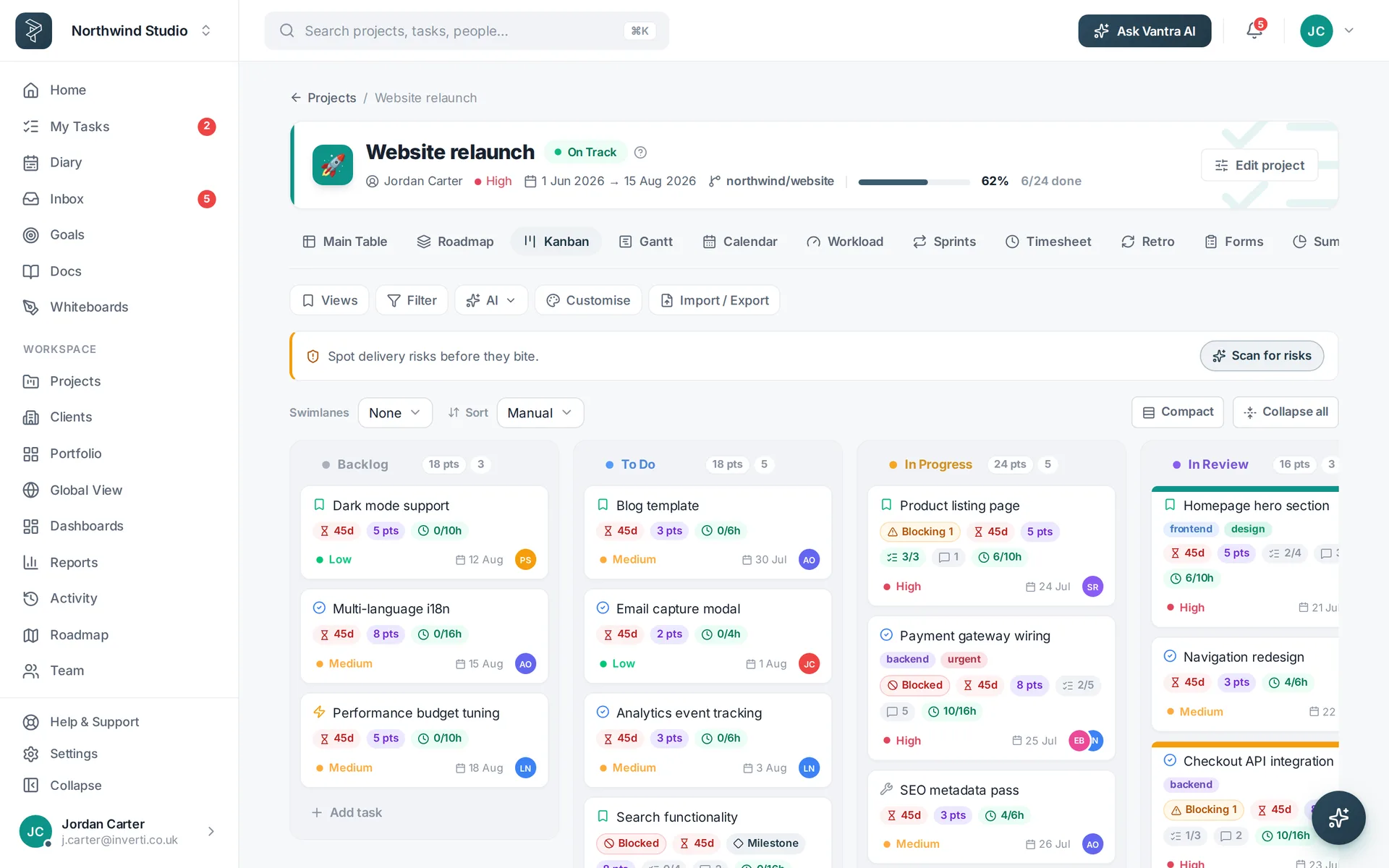
Your whole workspace in its own window — always up to date. Free on Windows, macOS and Linux.
Latest version 1.0.3
Pick your OS below — we've highlighted the one we think you're on.
The desktop apps aren't published yet — we'll announce them on What's new.
Meanwhile the full app runs in your browser.
It's the full app you already know — just easier to live in all day.
No more hunting through twenty browser tabs. Vantra gets its own window and a dock or taskbar icon — one click and you're in your work.
It runs the live app, so every new feature and fix is there the instant it ships. There's never an update to download or a version to keep track of.
Stripped of address bars, bookmarks and notifications from everything else, the desktop app keeps you on the work in front of you.
Open it and you're already there. Sign in once — including with Google or Microsoft — and it keeps you connected to your workspace.
Your data lives in the same encrypted cloud workspace as the web app — the desktop app is simply another door into the same account.
Lose your connection and it shows a calm offline screen, then drops you straight back into your workspace the moment you're online again.
Windows 10 or 11, 64-bit. Installs per-user — no admin rights needed.
macOS 11 Big Sur or later. A universal build for Apple silicon and Intel.
64-bit. The AppImage runs on most distributions; the .deb is for Debian and Ubuntu.
Yes. It's a free download and works with the same account and plan as the web app — you sign in exactly as you do in the browser, and your plan's features come with you.
Always. The desktop app runs the live version of Vantra Projects, so you get every improvement the moment it ships. There are no manual updates to install and no versions to manage.
No — like the web app, it needs an internet connection to reach your workspace. If you lose connection it shows a friendly screen and reconnects on its own the moment you're back online.
In the same secure cloud workspace as the web app. The desktop app is a dedicated window onto your account, so nothing is stored only on your machine — your data is identical everywhere you sign in.
Yes — the macOS app is signed with our Apple Developer ID and notarised by Apple, so it opens with a normal double-click, no security warning. If you grabbed a very early build that showed an "unidentified developer" message, just re-download and it'll open cleanly.
Pick the one for your operating system — Windows, macOS or Linux. We try to detect it automatically and highlight the right option above. On Linux, the AppImage runs on most distributions without installing; the .deb is for Debian and Ubuntu.
You don't have to wait — the full app runs on the web, and your desktop app will sign into the very same workspace.