1Add your key
Vantra AI runs on your own OpenAI API key — add it once in Settings. Until then, AI features show a clear "not set up" message and everything else works normally. Because it's your key, there are no credit packs and no per-seat AI surcharge.
2Ask it real questions
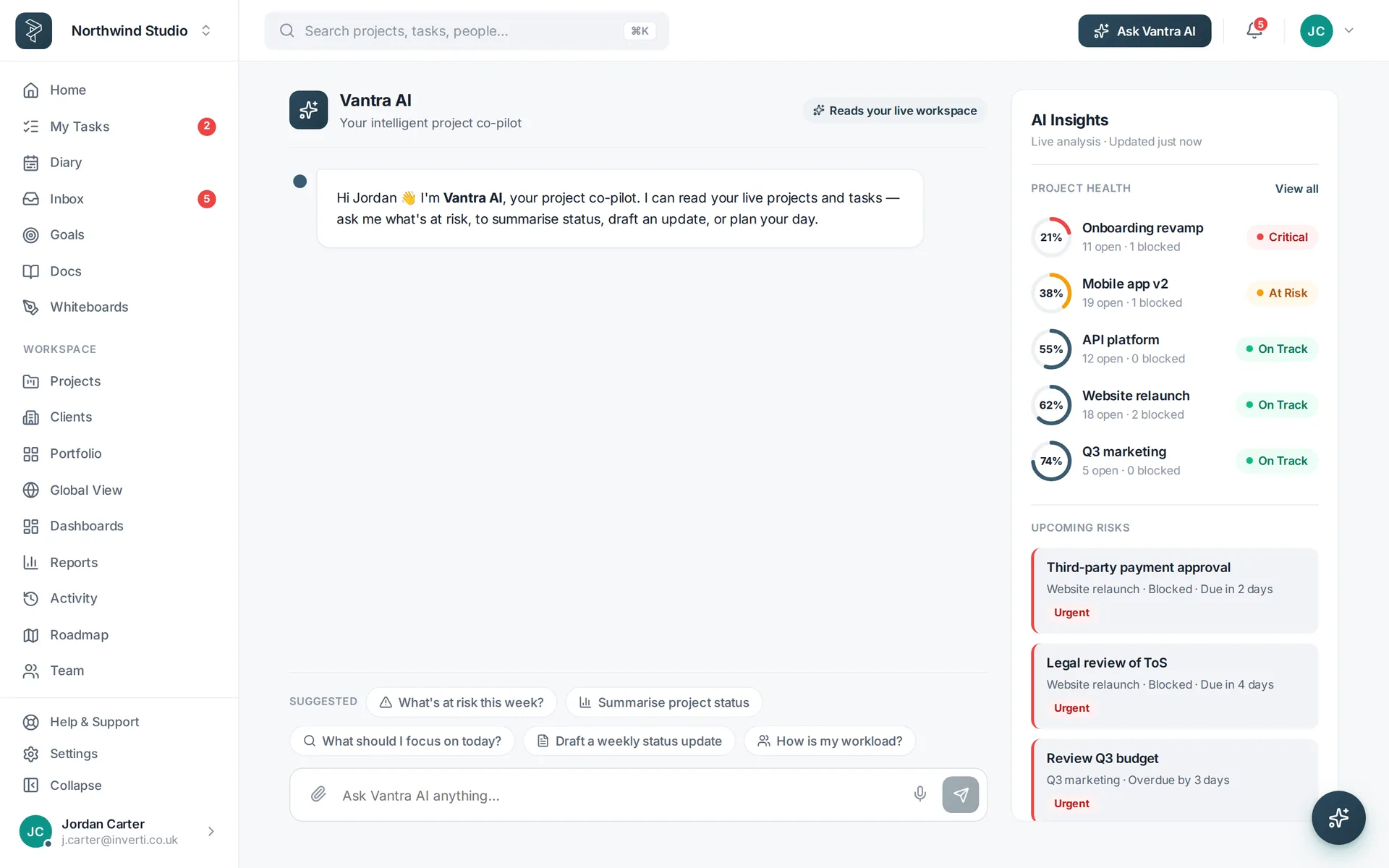
The assistant is grounded in your live workspace — projects, tasks, people, dates. Ask "what's at risk this week?", "what shipped last sprint?", "who's overloaded?" and it answers from your data, not from a canned demo.
3Use the tools in the flow
Nine tools live where the work happens: quick-add turns a sentence into structured tasks, spec import breaks a document into a backlog, find searches naturally, the risk scan flags what's likely to slip, and describe/subtasks flesh out a card in a click.
Related: Vantra AI · Help centre — or try every step in the live demo →