1Log time where the work is
Every task takes time entries — open a task and log what you spent, or add it as you finish. No separate tracker, no context switch: the entry lands on the task, the project and the person all at once.
2Review the week on the Timesheet
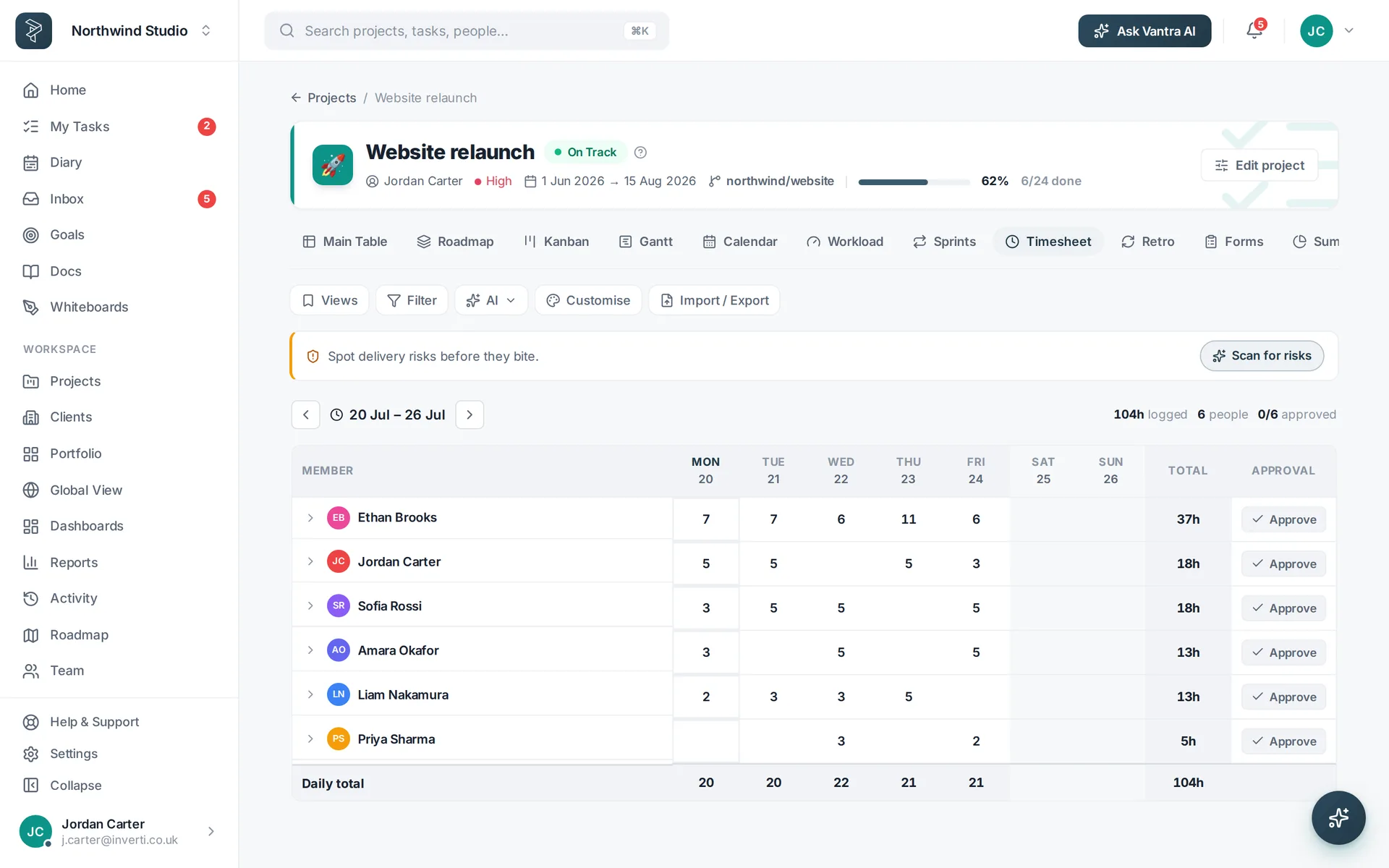
Each project has a Timesheet view — tasks down the side, days across the top, hours in the cells. Type straight into the grid; totals per task and per day keep the week honest.
3Give hours a value
Set billing rates on clients, mark projects billable, and the same entries become money — what each engagement really costs, without a spreadsheet reconciliation at month end.
4Report on where it went
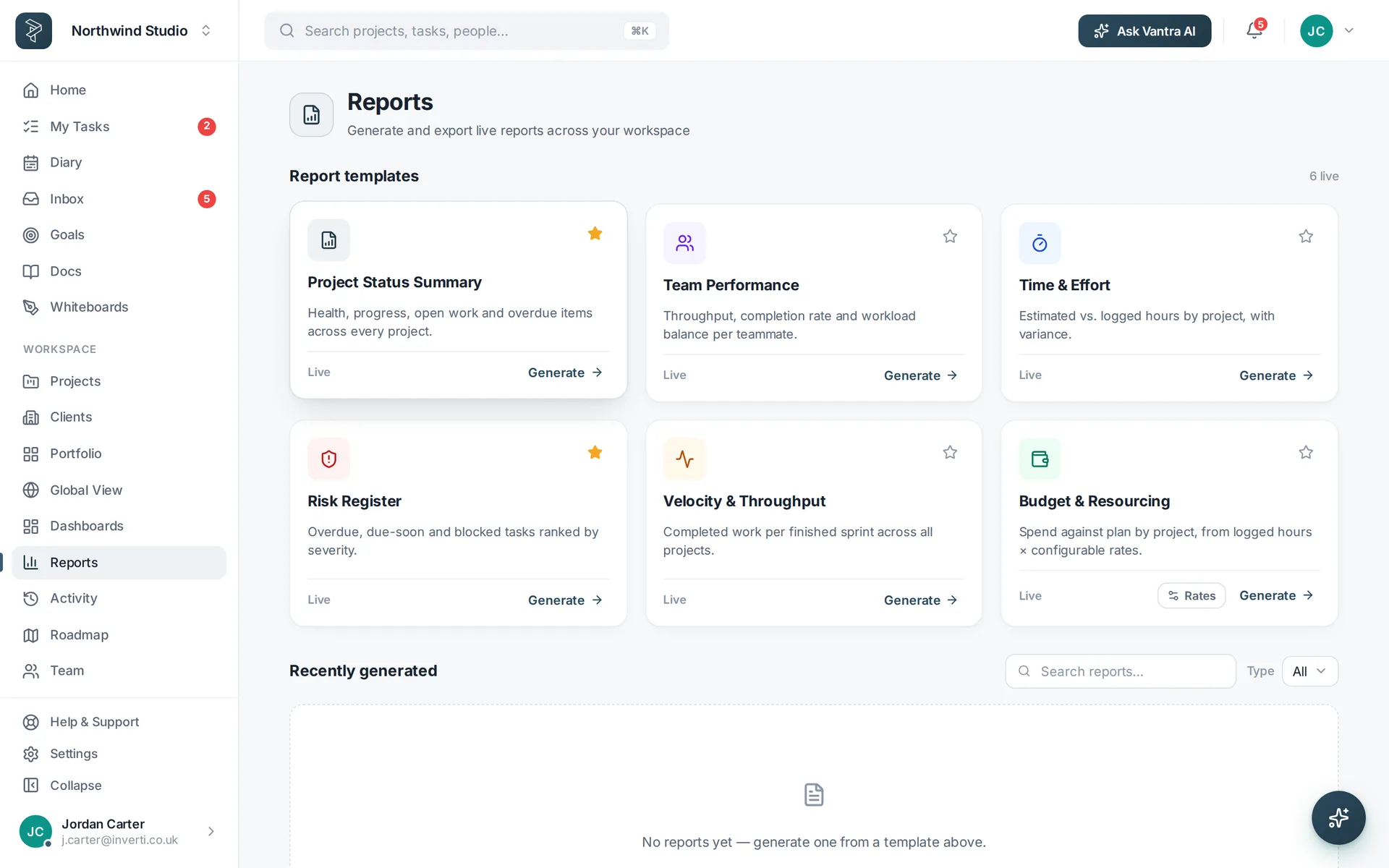
Reports rolls entries up by person, project and client. Workload shows who is over capacity before the burnout, not after.
Related: Time tracking · Dashboards & reporting — or try it in the live demo →