1Groom the backlog
Open the Backlog view and get the next cycle honest: clarify acceptance criteria, split anything oversized, group stories under epics and drag the priority order. The Agile sprint template seeds this structure for you if you're starting fresh.
2Point and plan
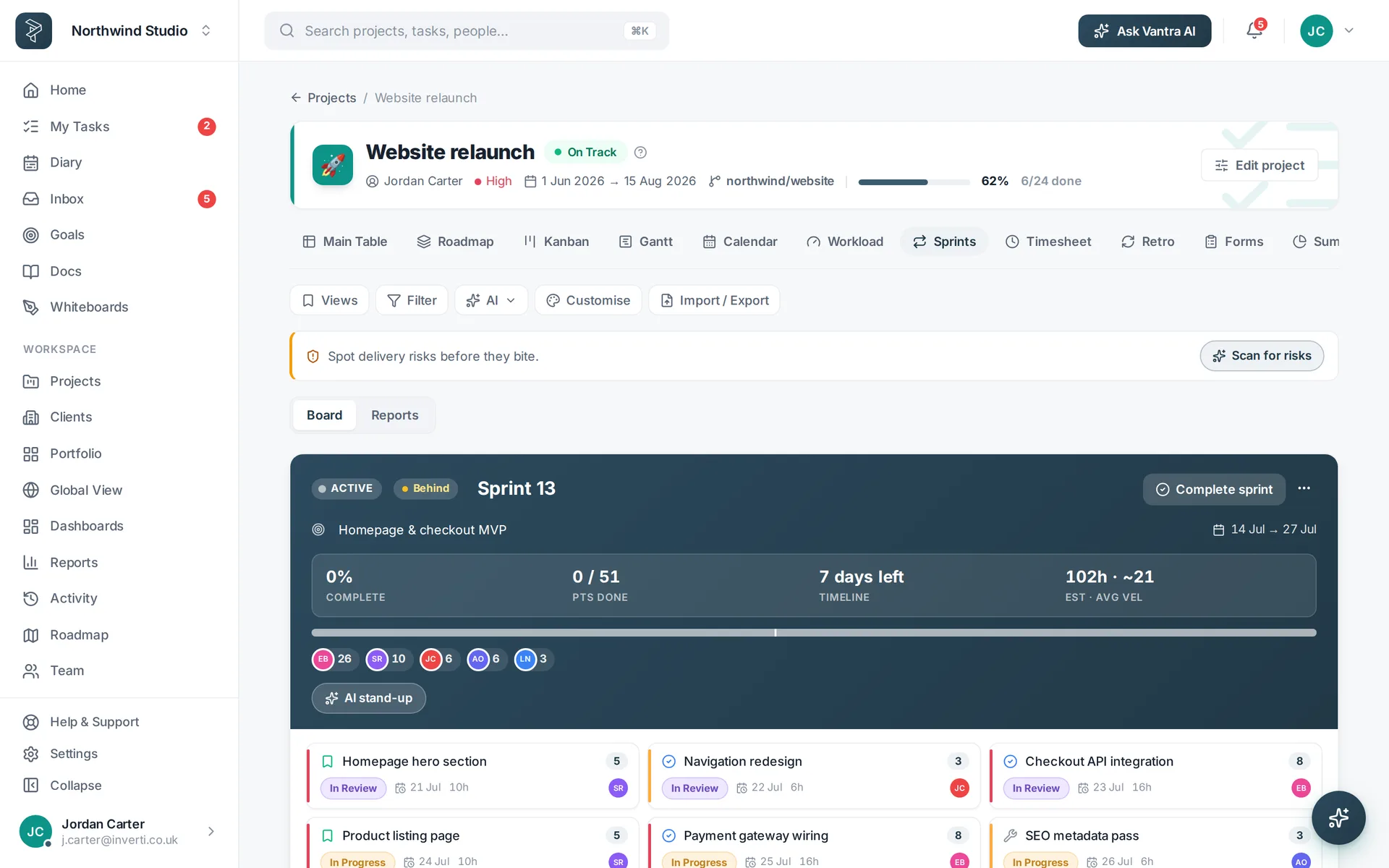
Estimate with story points on each task, then pull work into the sprint until you hit the team's capacity. Milestones — sprint planning, the demo — get a flag so they stand out on every view.
3Run the board
Day to day lives on the Kanban — drag cards through the stages, watch WIP limits, and let colour rules make status readable from across the room. The burndown keeps the sprint honest; if it flattens, something's stuck.
4Demo and retro
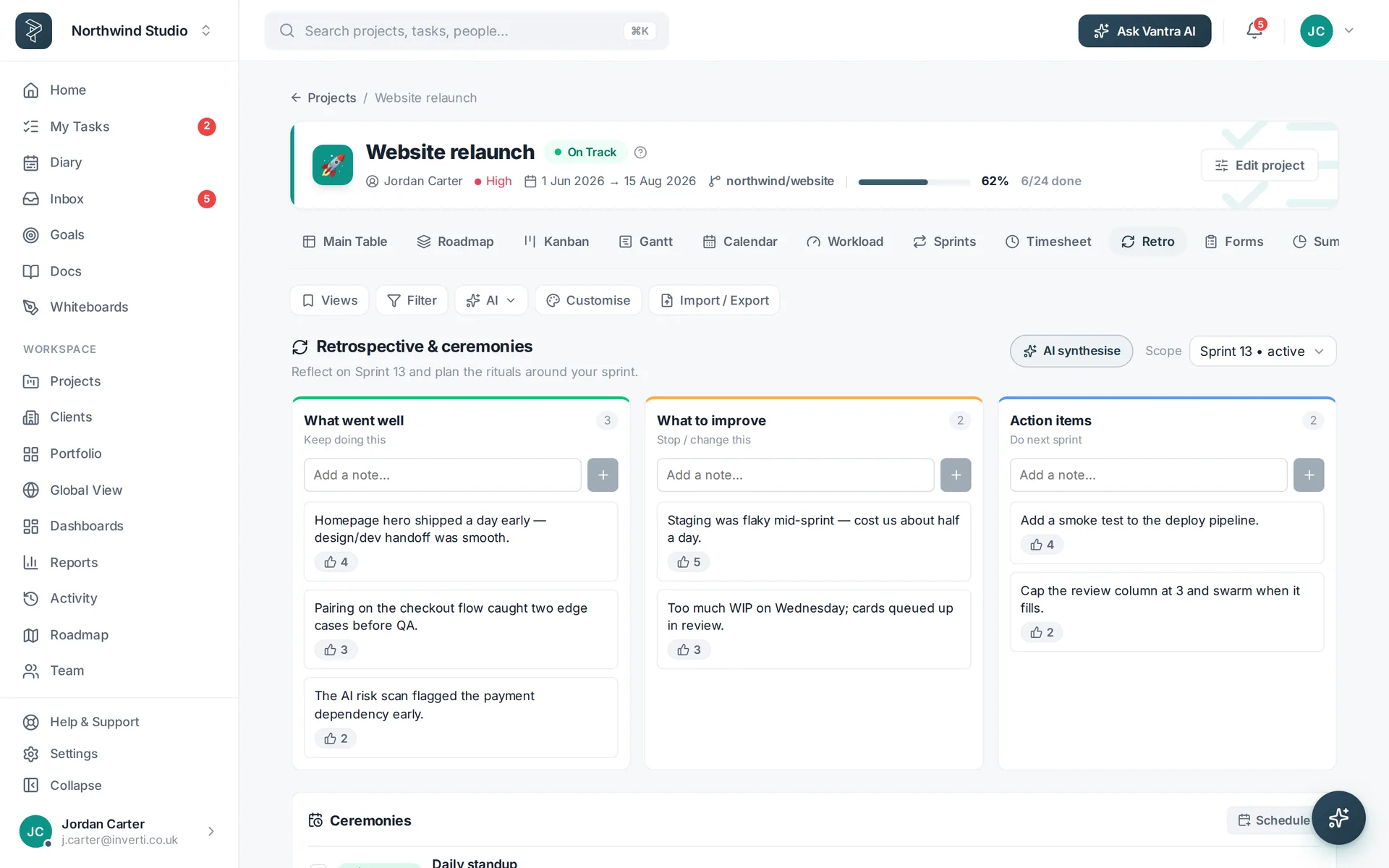
Close the cycle in the Retro view — start/stop/continue columns the whole team can add to. Carry the actions into the next sprint as real tasks, not minutes nobody reads.
Related: Work views · Vantra AI — or try every step in the live demo →