1Lay out the phases
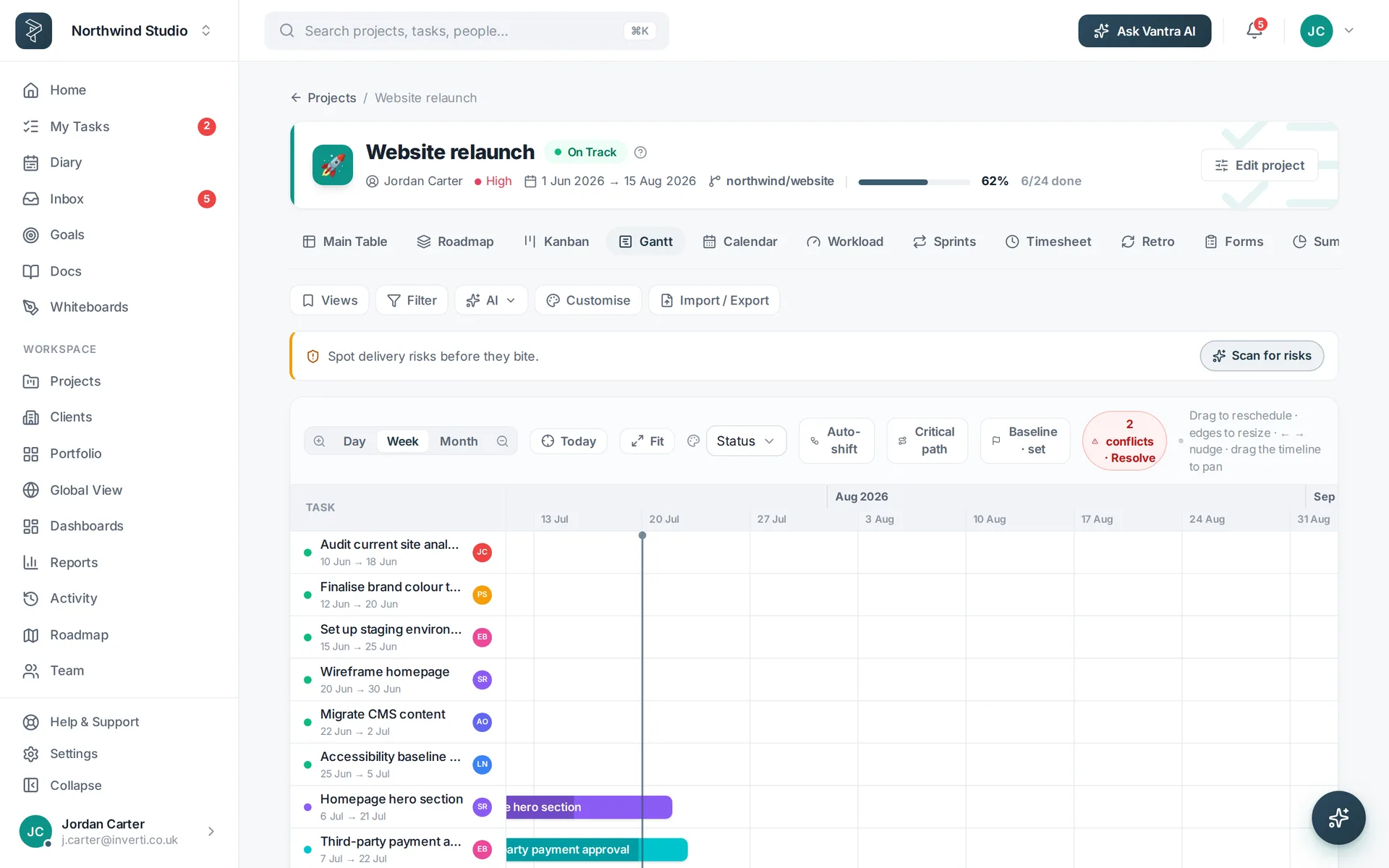
Open the Gantt and drag your tasks onto the timeline. Group them by phase — build, QA, rollout — and put a milestone diamond on the moments that matter: feature freeze, go-live.
2Wire the dependencies
Link tasks so the plan knows what blocks what. When something moves, everything downstream moves with it — no more manually shuffling forty bars on a Friday.
3Set a baseline
Freeze today's plan as the baseline. From then on the Gantt shows planned vs actual, so slippage is visible the day it happens rather than the week before launch.
4Watch the critical path
The critical path highlights the chain of tasks that actually sets your end date. Anything on it slipping means the release slips — focus standups there and let the rest breathe.
Related: Work views · Docs & collaboration — or try every step in the live demo →