1Build the form
In the Forms view, add the fields you need answered — a title, a description, a dropdown for severity or type, whatever your triage needs. Each form field maps to a real column on the project.
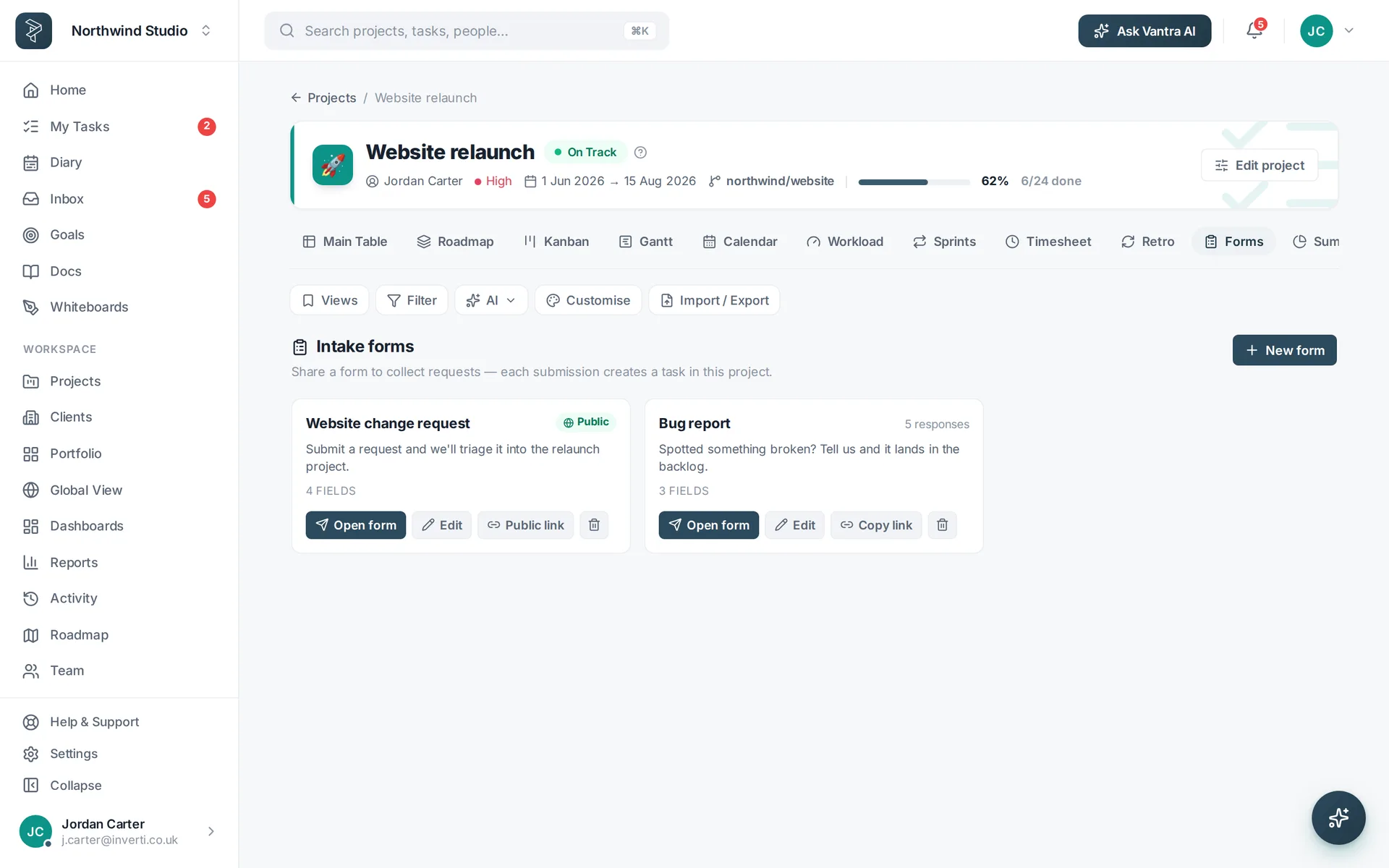
2Share the link
Publish the form and share the public link — no account needed for the people submitting. Bug reports, client requests, internal IT tickets: they all land the same way.
3Triage in the table
Every submission becomes a task with the fields already filled, in a Reported or Inbox group ready for triage. Set severity, assign an owner and drag it into the flow — the requester's details stay on the task.
Pair it with automations. A rule like "when severity is Critical, set priority High and assign the on-call owner" removes the triage busywork entirely.
Related: Forms & intake · Platform tour — or try every step in the live demo →