1Create client records
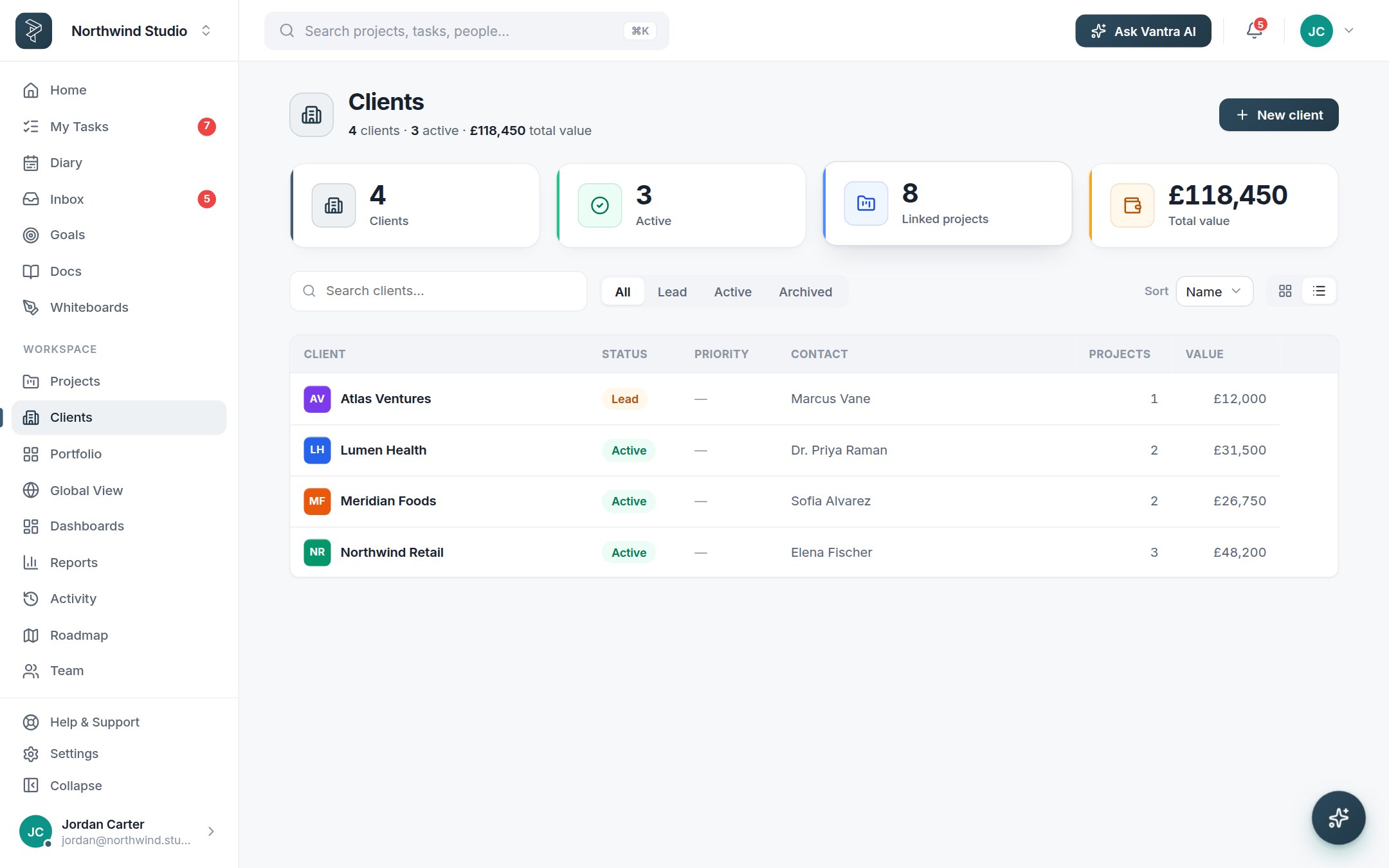
The Clients page holds the organisations you work with — contacts, notes, status and every linked project in one card, next to the work instead of in a separate CRM tab.
2Link projects and set the billing shape
Attach projects to a client and mark how the engagement is billed — fixed, retainer or time & materials. Billing rates turn tracked hours into value automatically.
3Give clients a window
A public roadmap shows what's coming and lets clients vote; public forms take requests straight into your triage. They see progress without a login — you keep one source of truth.
4Report per client
Reports slice by client, so retainer burn and project profitability stop being a month-end archaeology dig.
Approvals close the loop. On Business, task sign-off means "done" is agreed with the client, not assumed.
Related: For agencies · Forms & intake — or try it in the live demo →