1Pick a trigger
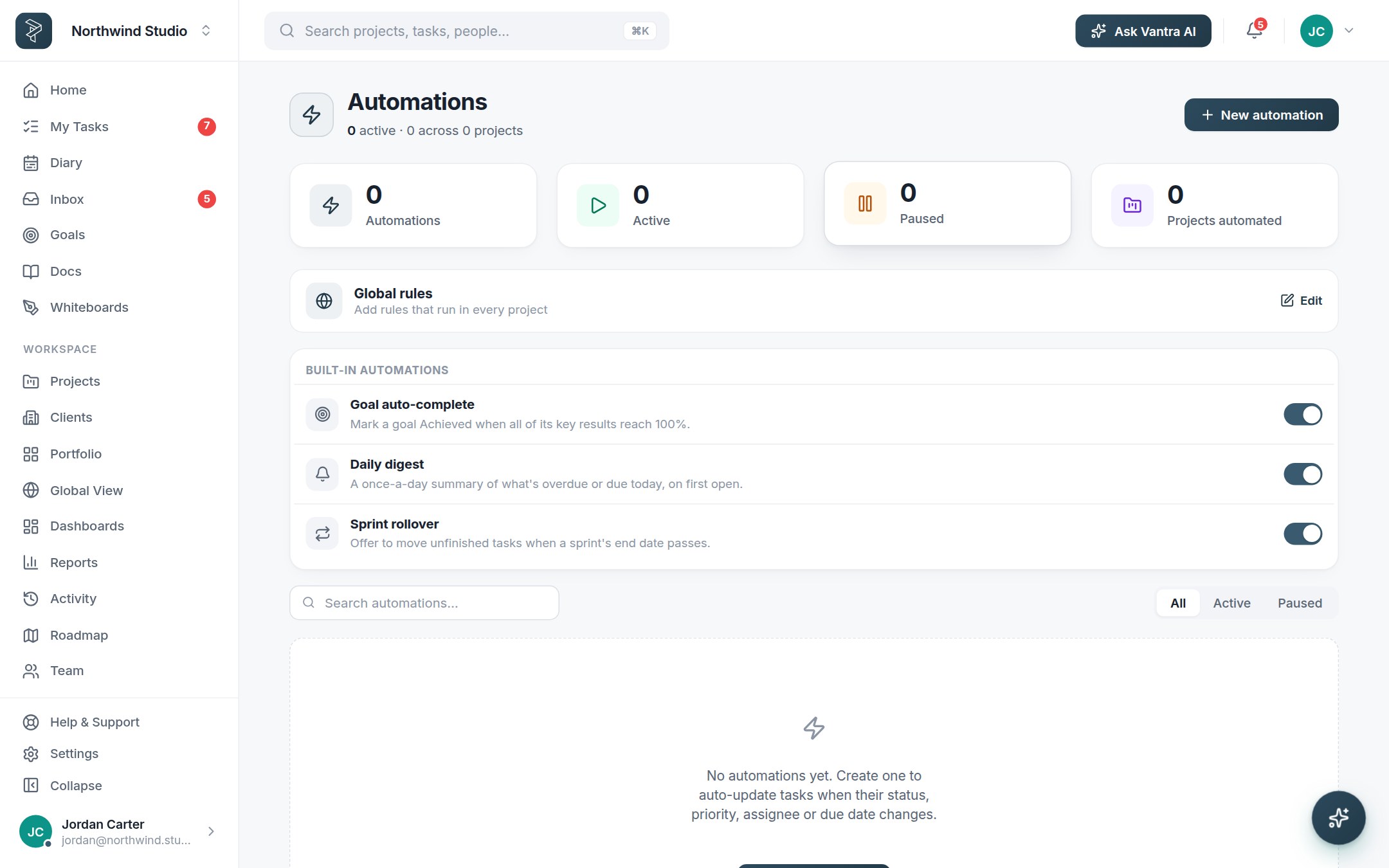
Open Automations and start a rule from the moment that should set it off: a status change, a card moving into a group, a due date approaching, a new task arriving from a form.
2Add conditions
Narrow when it fires — only High priority, only in certain groups, only tasks with a particular type. Conditions keep one well-aimed rule from becoming ten noisy ones.
3Choose the actions
Assign an owner, set status or type, move the task, post a notification — chain as many actions as the moment needs. The rule runs for everyone, instantly, every time.
4Let work repeat itself
Recurring tasks re-create themselves on schedule — the weekly report, the monthly review — with the right assignee and due date already set.
Pair with colour rules. Automations change the work; colour rules change how it reads. "Overdue and High priority turns red" makes a board legible from across the room.
Related: Work views · Forms & intake — or try it in the live demo →